The usual loop
- 01Hear the module
- 02Click next
- 03Mark complete

Corporation briefing
For corporations · 2026
Courses, practical tasks, and evidence in one workplace classroom. Departments see only their work. Admins assign. Staff finish. Proof lands back in Command.

01 / The L&D gap
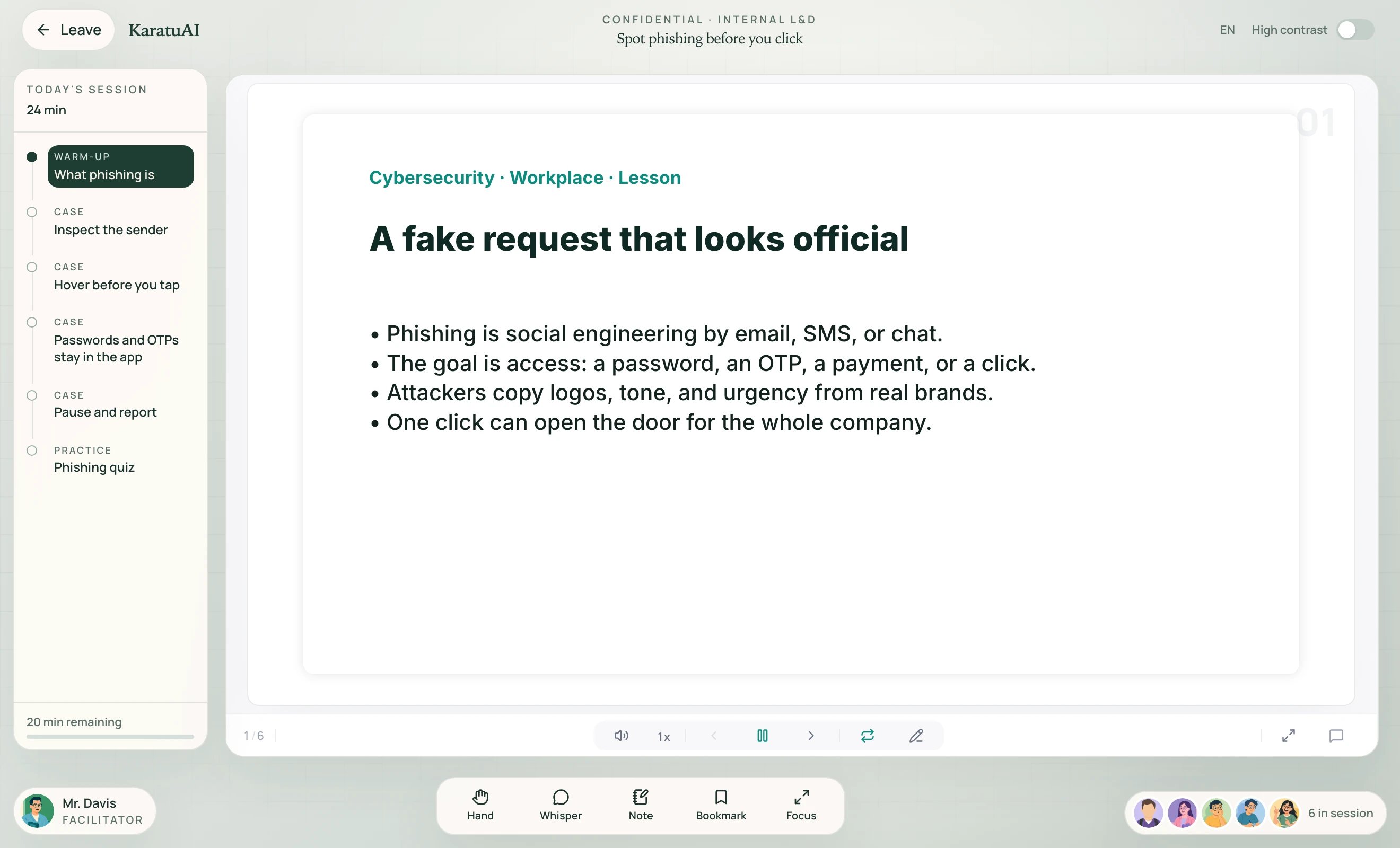
Most workplace courses stop at watch-time. Karatu asks staff to do the work, then returns progress and company certificates to Command.
02 / Why this classroom
A slide deck staff recite once does not leave proof a manager can use. This classroom keeps attempts, notes, and certificates inside the company.
The usual loop
This classroom
03 / Command
L&D and admins
Karatu drafts the outline. Your team edits, attaches internal docs, and assigns it by department or CSV.

04 / Three views
AI course drafts you can edit, a source library, departments, and staff invites — one by one or by roster.
Assigned work only. The same immersive classroom. Notes, replay, and department walls.
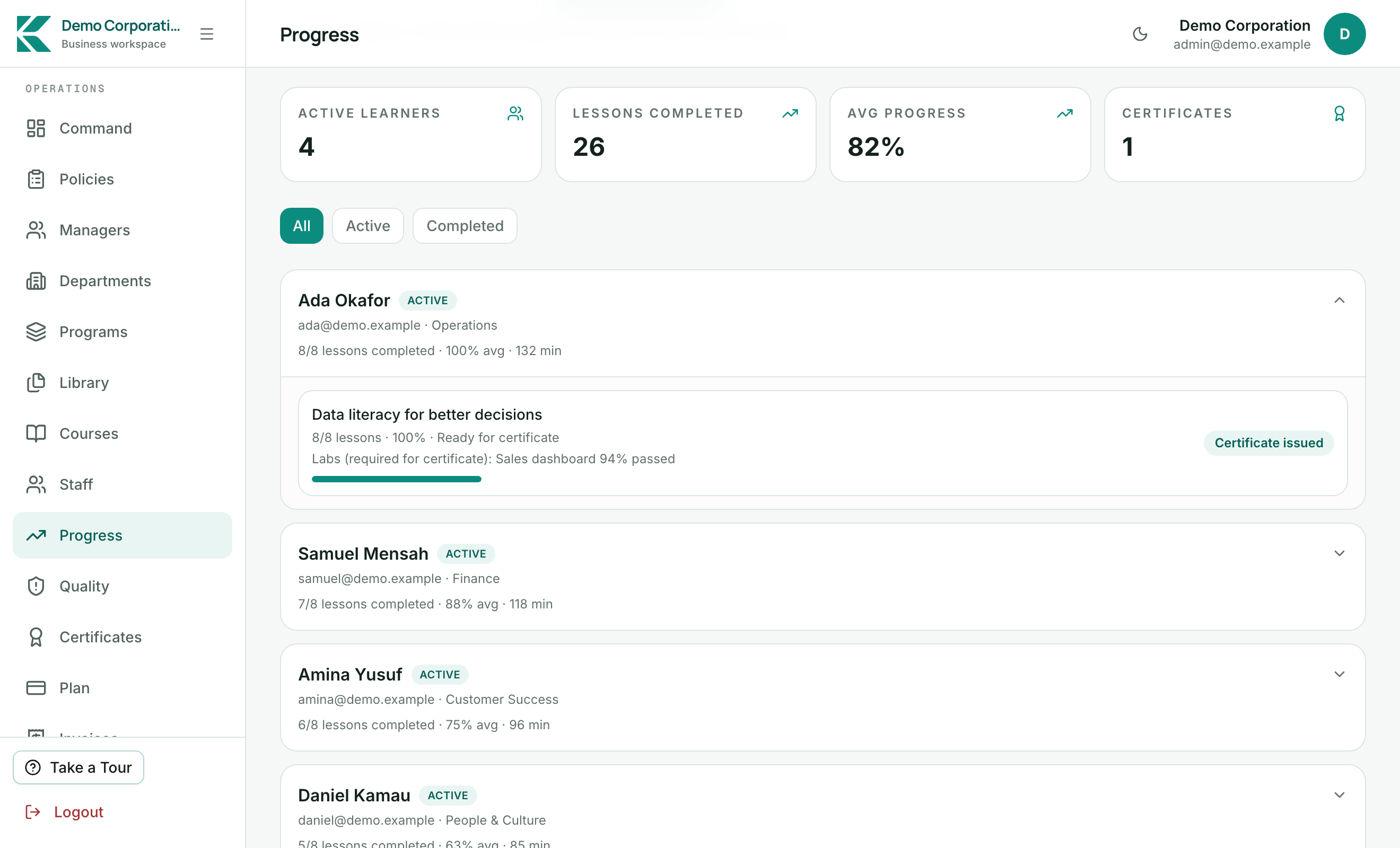
Programs and labs. Progress reports. Company certificates that stay inside Command.
05 / The 7-day pilot
No card. Admin and staff logins stay the same after day 7. Seat plans for 20, 50, 100, and 200 staff follow the trial.
06 / How it runs
Start the 7-day corporation pilot and name the first skill gap.
Edit the draft, attach internal docs, invite staff by CSV if you want.
See who finished. Issue the company certificate. Keep the tenant.
07 / Next step
7 days. No card.
Pilot on your own tenant. Keep the same Command and staff workspace after day 7.